Turn research into action without losing the context.
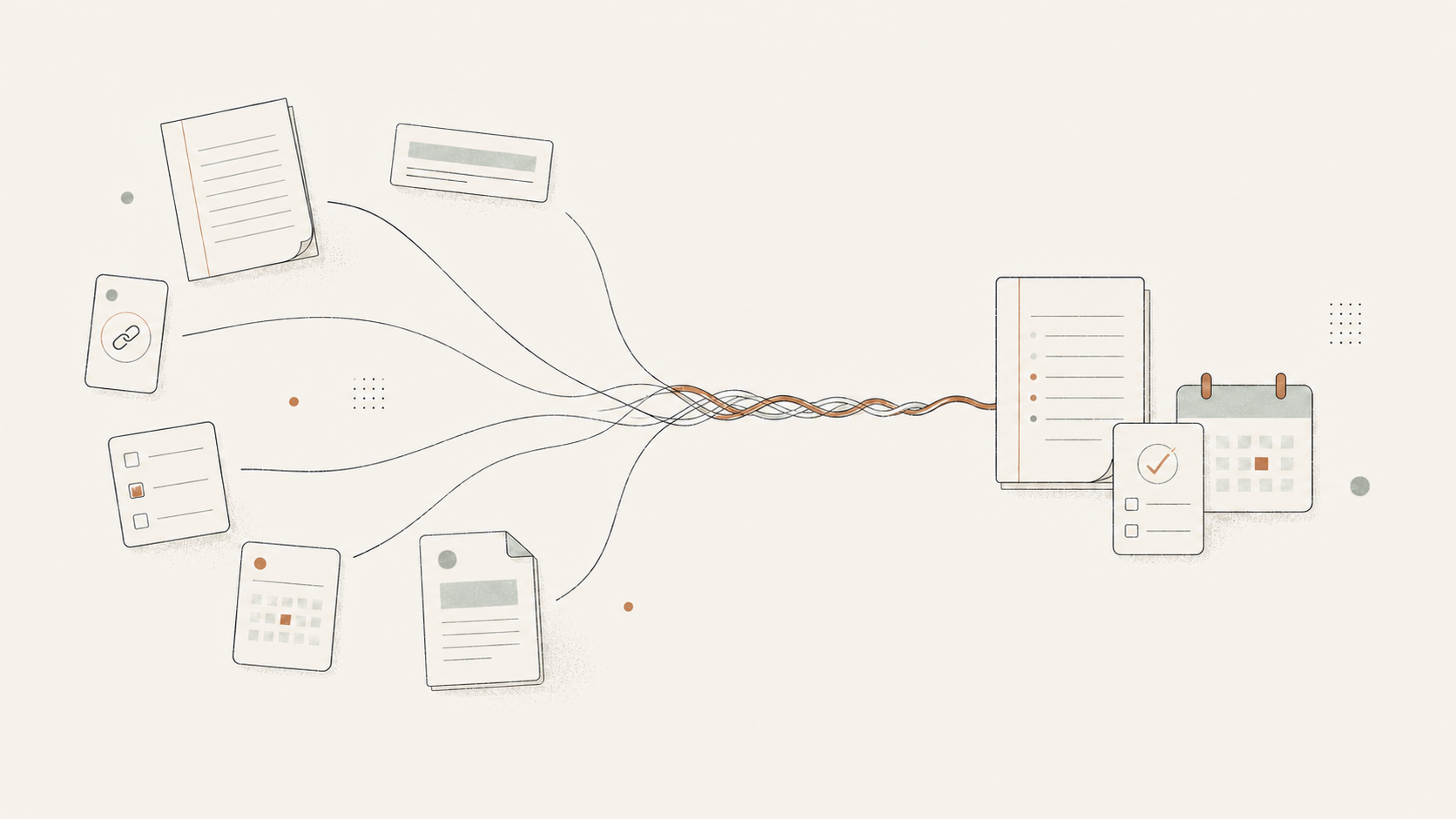
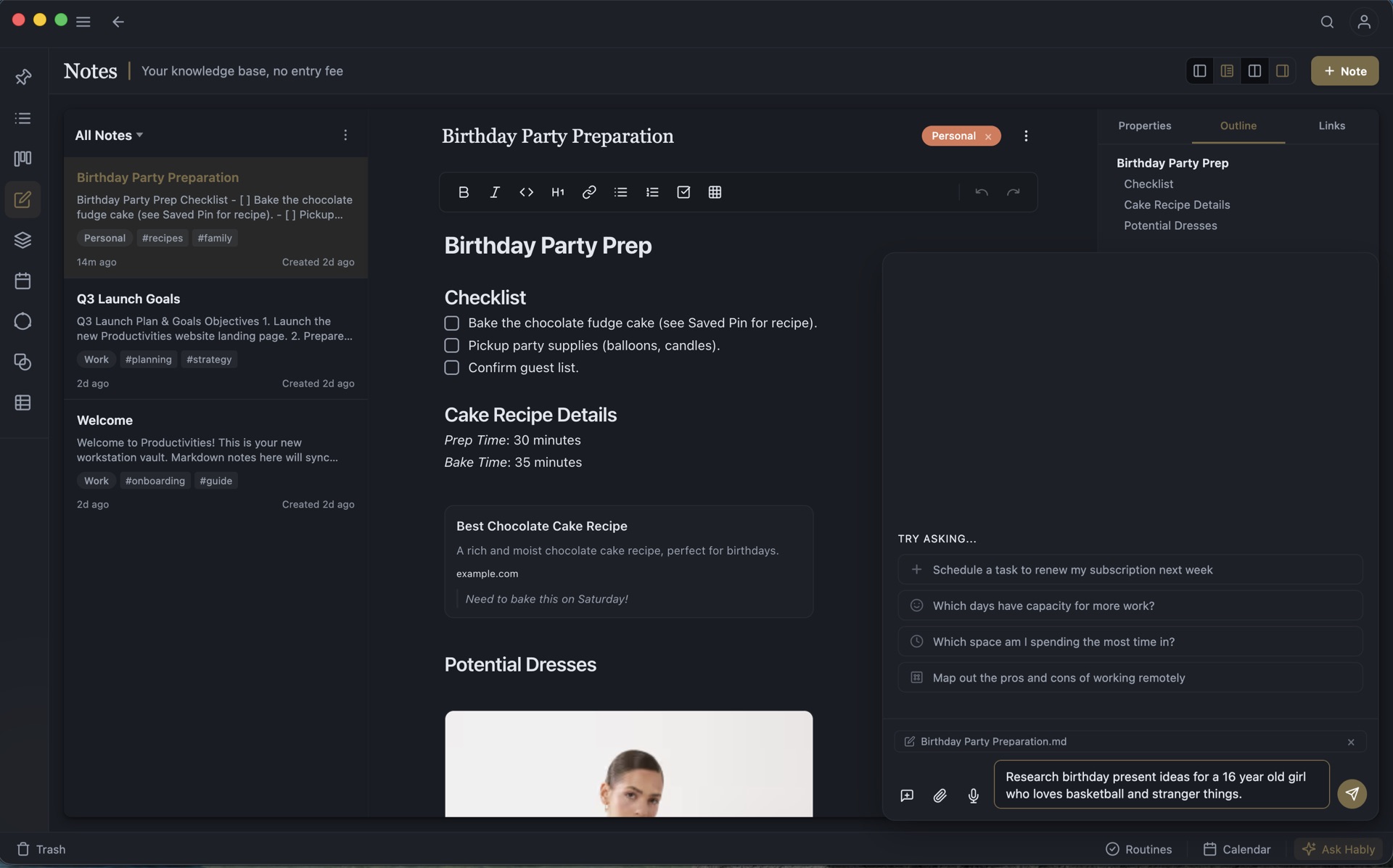
Capture an article, highlight what matters, develop the idea in a Page, then turn it into linked tasks. The original material remains attached throughout.
Explore research and reading
Productivities / 01
Local-first personal work operating system
Productivities is an all-in-one personal work system. Its interconnected tools help you plan your time, organise your work and manage your knowledge.
The friction you already feel
A task rarely exists alone.
It came from a conversation, a meeting note, an article, an idea, a deadline, or a larger outcome. Split those things between apps and the context quietly disappears.
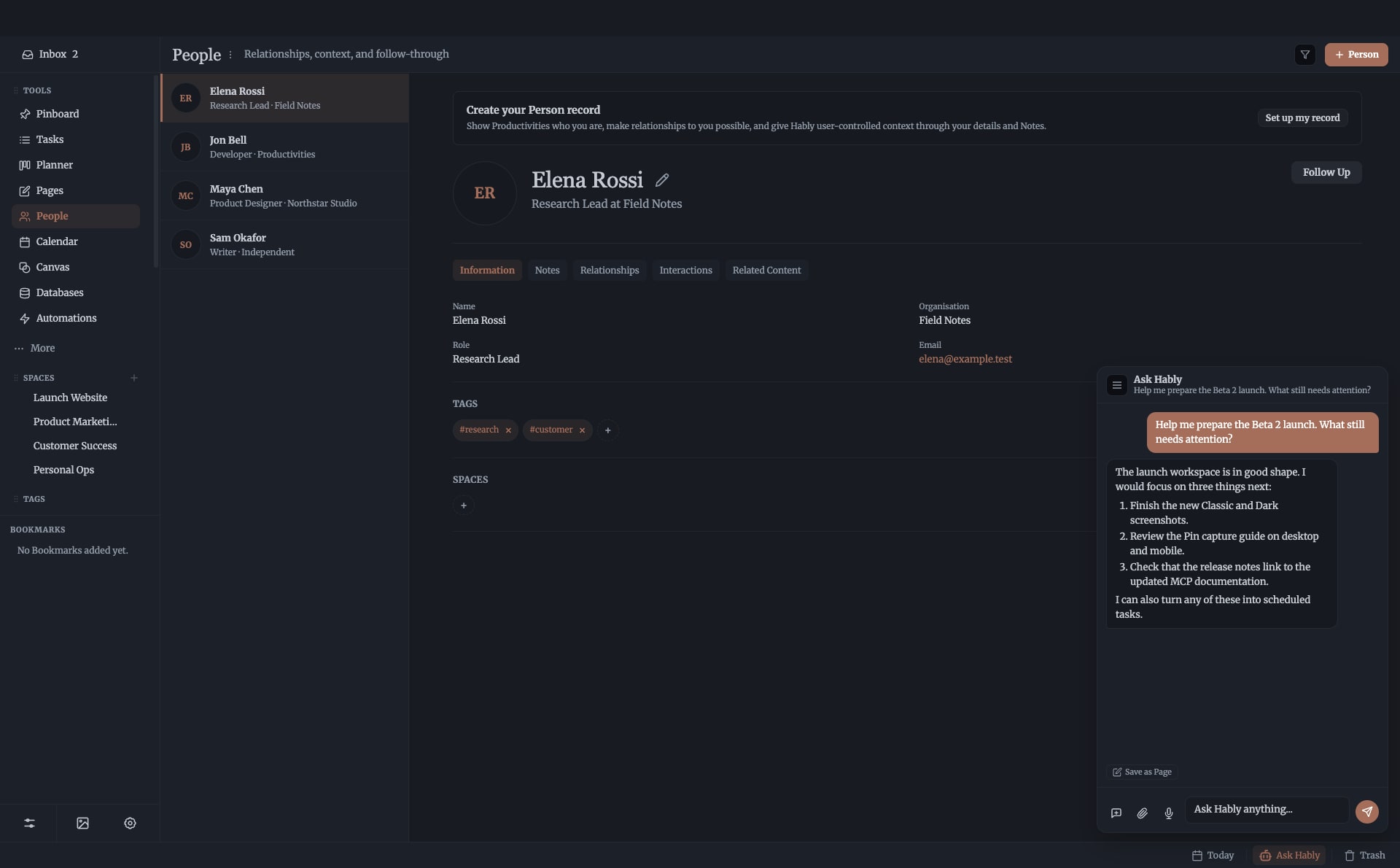
Productivities manages the task itself, including its priority, status, recurrence and schedule, while keeping the references, knowledge and people behind it attached.
A complete flow, not a collection of features
Create a task or save a thought, idea, article, document, voice note or website link without breaking focus.
Read and highlight saved content or Markdown files, then develop annotations and related ideas on visual canvases.
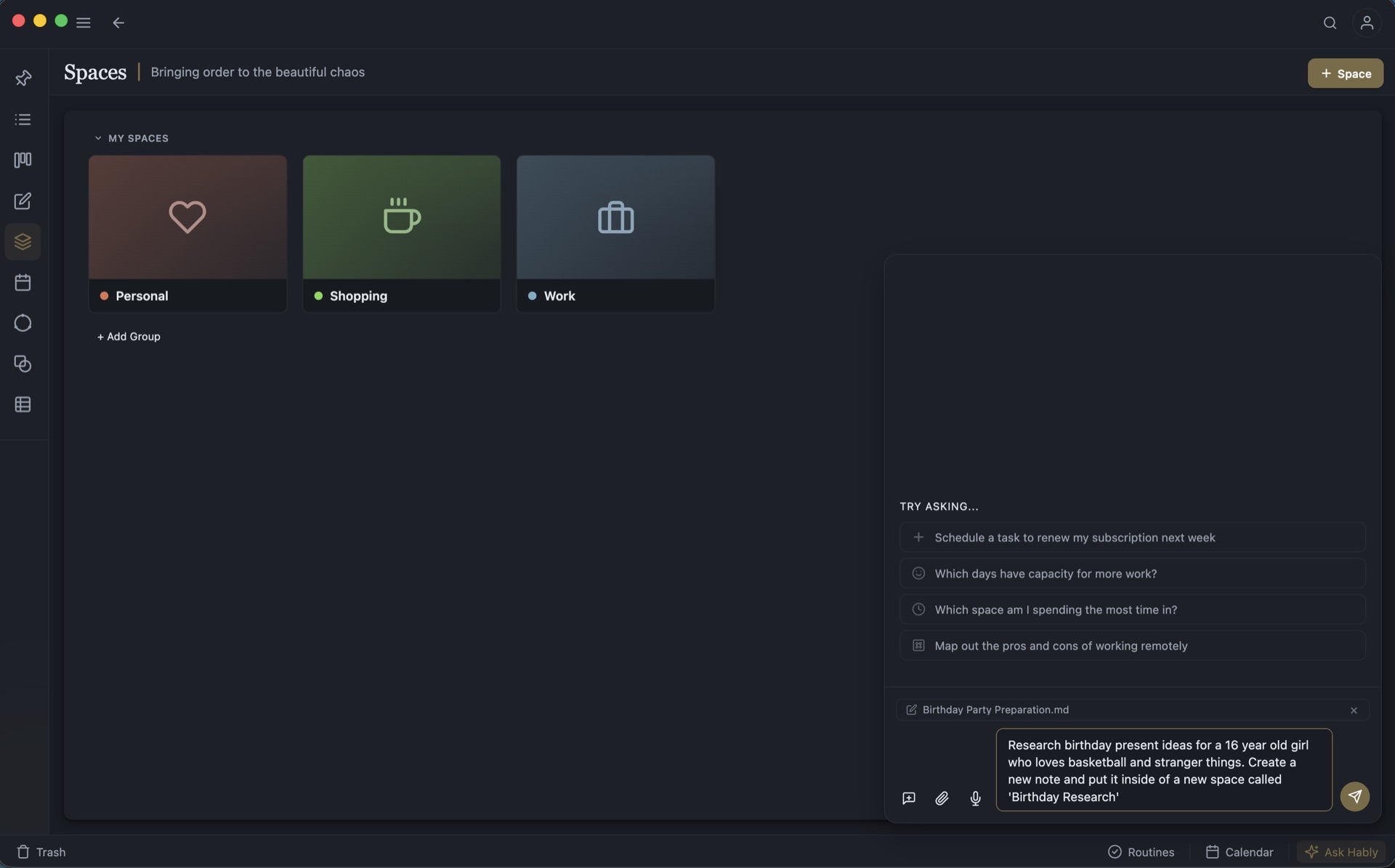
Create perspectives on your knowledge by bringing related tasks, people and knowledge together in Spaces, then prioritise what matters.
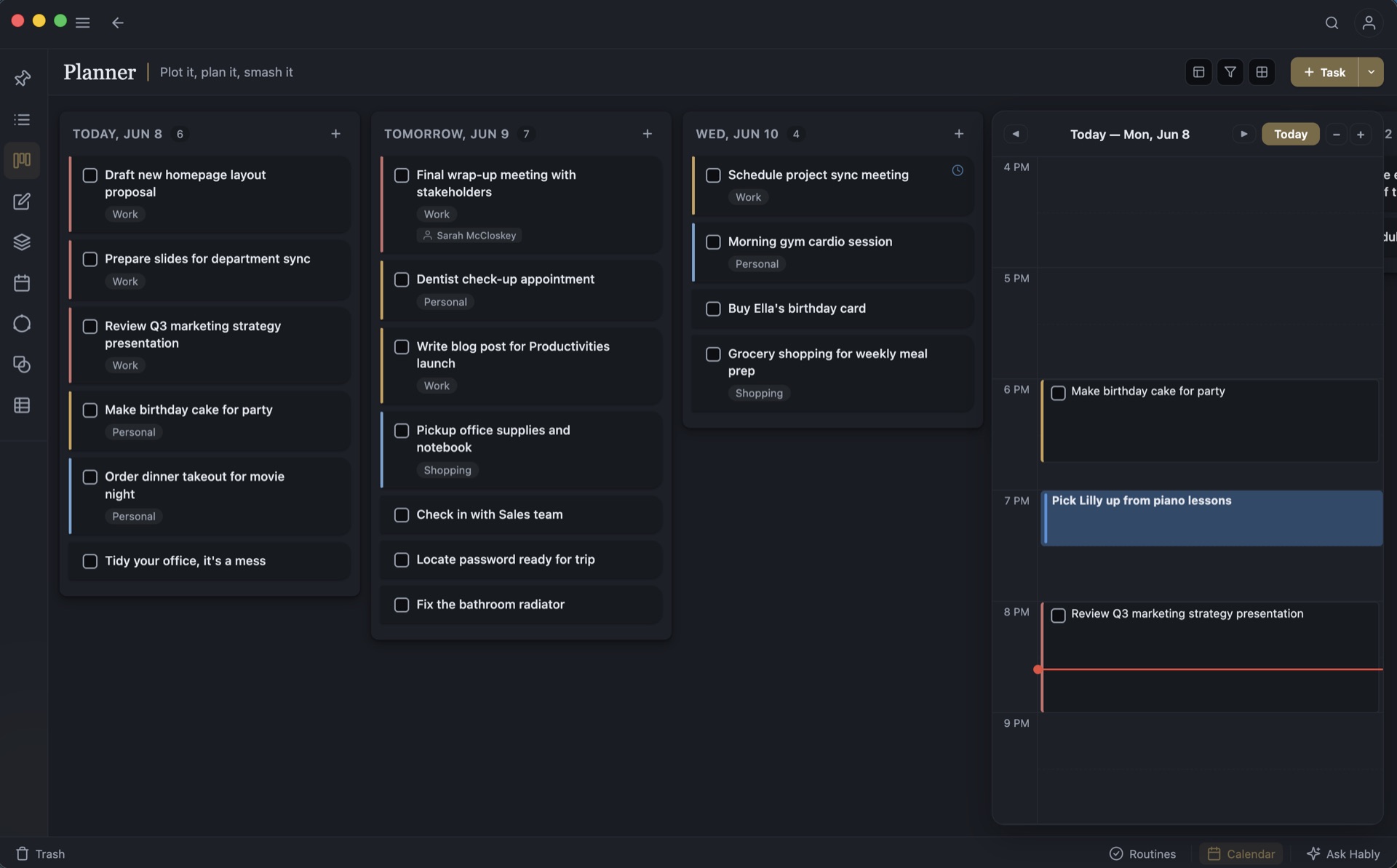
Schedule tasks in Productivities, time-block focused work, and see it all alongside real calendar events.
Work through and complete tasks in Productivities and create work by connecting your writing, diagrams and saved material together.
Look back at what you completed, what slipped and what still matters, then adjust priorities and decide what happens next.
Collect source material, but keep your focus
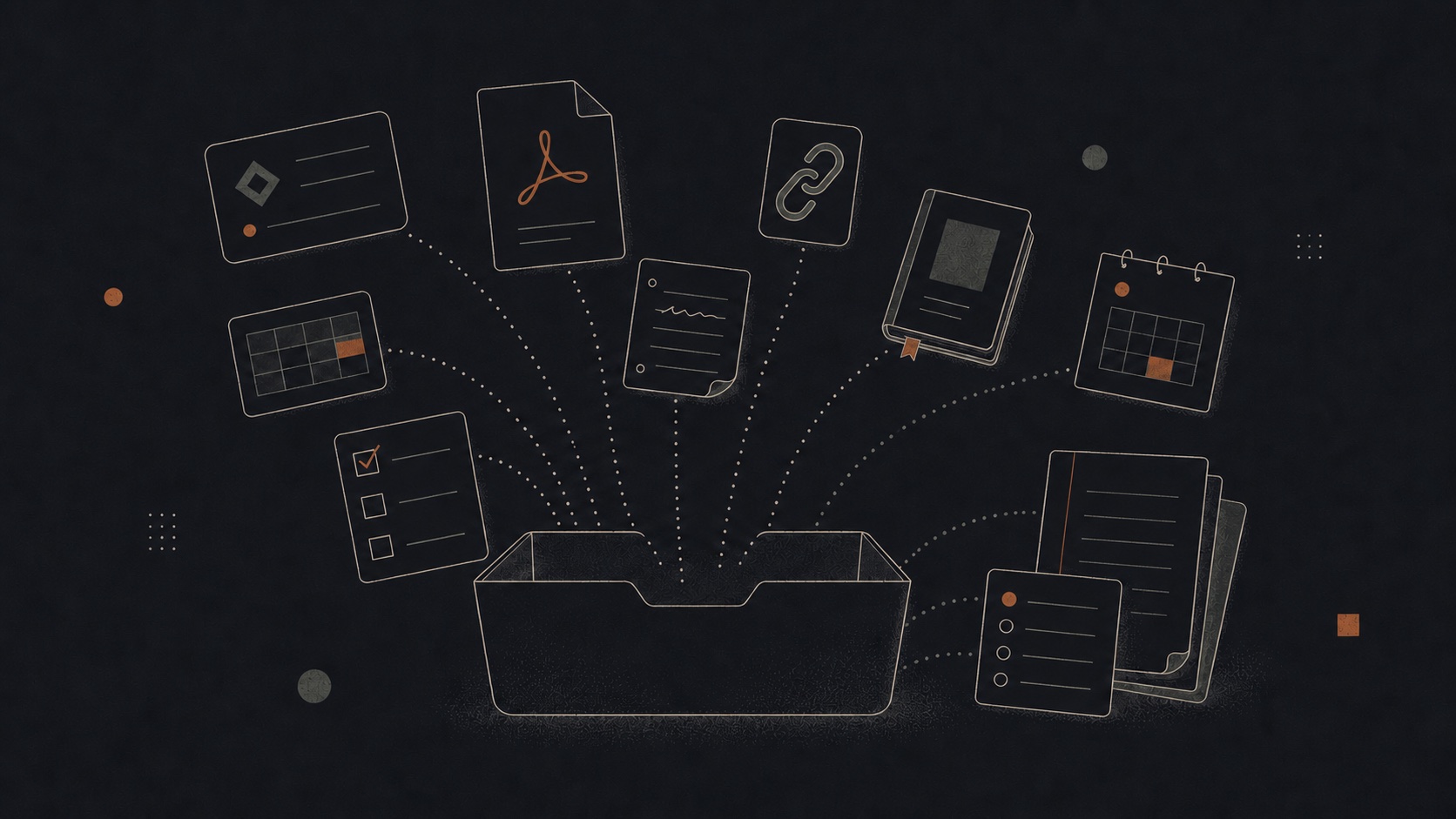
An interesting article should not derail the thing you are doing. Neither should a useful PDF, a reference image, a recipe, a video, or a half-formed idea.
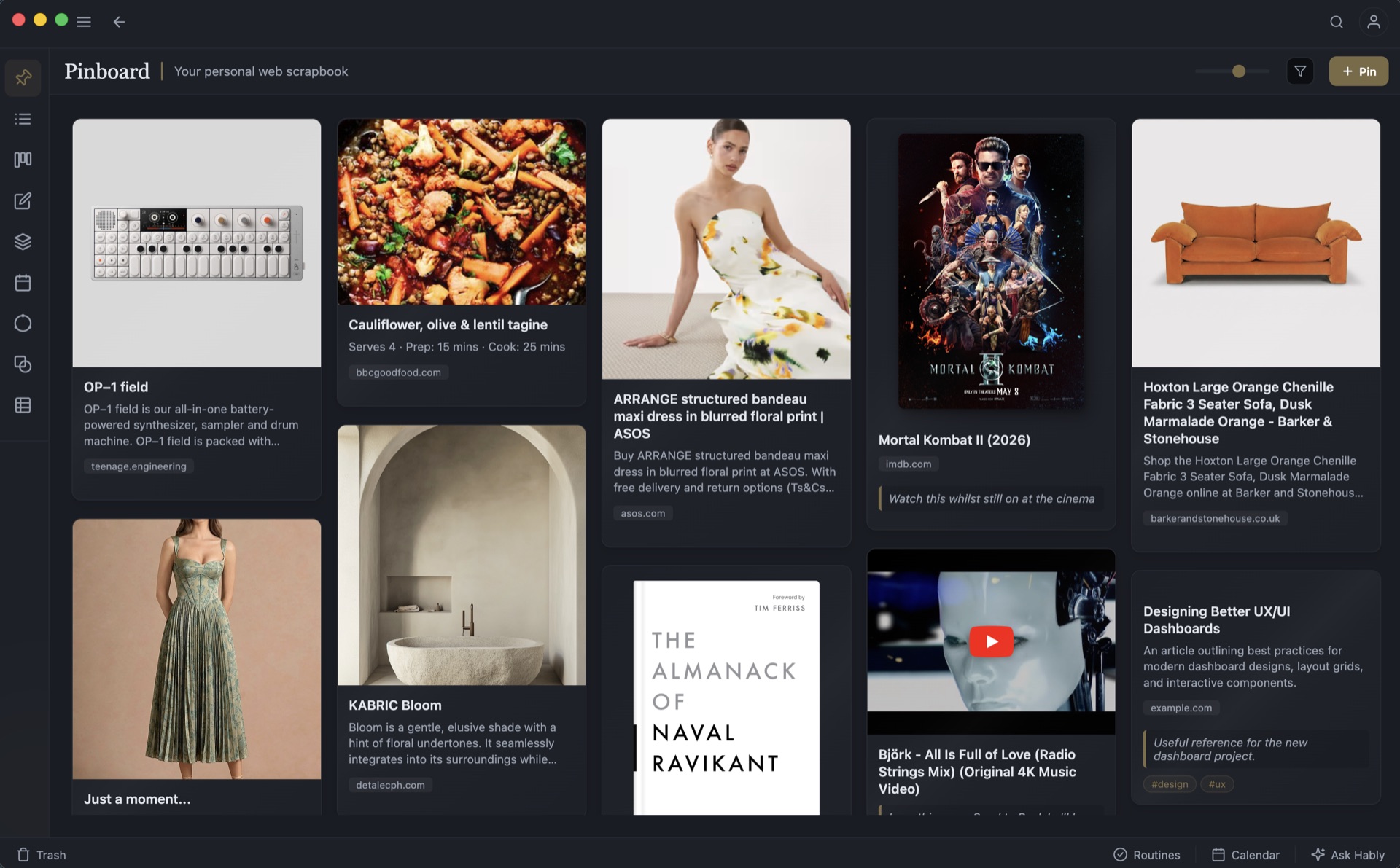
Pinboard gives all of it one quiet landing place. Capture from Productivities, the browser extension, or a share sheet; add a note if context matters; then return when you are ready to read, organise, connect, or act.
The six-step loop in practice
Capture an article, highlight what matters, develop the idea in a Page, then turn it into linked tasks. The original material remains attached throughout.
Explore research and reading
Manage tasks in Productivities, schedule them alongside calendar commitments, see the workload, and protect focused time before the day fills itself.
Explore daily planning
A Space holds the project’s Pages, tasks, people, references, database, milestones and visual plan without flattening every item into the same format.
Explore project work
Hably & agentic work
Hably can find context, research a subject, develop a plan, and create or update supported work inside Productivities. You choose a supported cloud provider, bring your own key, or use a compatible local model where supported.
Privacy & ownership
Productivities remains useful as a self-contained local application. Keep Markdown as real files, retain control of the database and media, and add managed services only when their convenience is worth it to you.
Read the privacy policyDatabase, Pages and media on infrastructure you control. No Productivities cloud account required.
Remote access while retaining control of the infrastructure.
Connect the local app to online services through sandboxed, permissioned plugins or an LLM provider you configure. Credentials are encrypted at rest.
For when you want us to take care of your data and seamlessly sync your apps together. A Productivities Cloud account is required.
Early access
Join the beta for early access to Productivities and help shape a calmer, more connected way to work.
No spam. Only product and early-access updates.